

2 April 2026
Great New Features in Video Studio
Recent updates to Video Studio focus on improving usability, accessibility, and content management, with several enhancements designed to streamline both video creation and consumption.

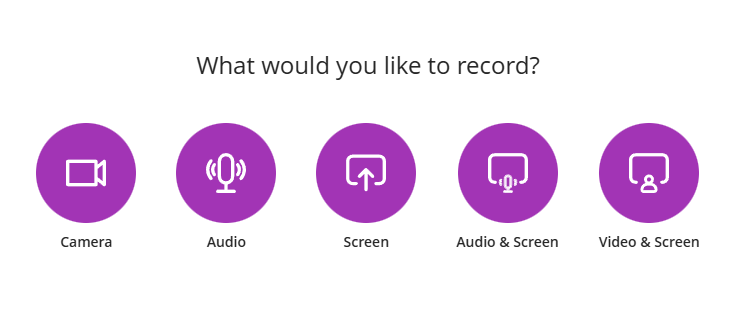
Screen and camera simultaneous recording
Users can record their screen and webcam at the same time. This supports lecture-style recordings, demonstrations, and walkthroughs without requiring external tools.
Video creation in assessments
Instructors and students can create and embed video content directly within assignments and tests. This enables video-based submissions and assessment workflows within Blackboard.

Knowledge checks within videos
Video Studio supports the addition of knowledge checks within videos. Instructors can insert questions at specific points on the timeline, which appear during playback to assess understanding.

Playback speed control
Users can adjust playback speed using preset options ranging from 0.5× to 2×. This allows instructors and students to review content at a pace that suits their needs and supports more flexible content engagement. The feature is available across Video Studio placements in Blackboard Core and the premium Video Studio offering.

Automatic thumbnail generation
Video Studio automatically generates a thumbnail image for each new recording. This provides a visual preview of the video and helps users quickly identify content before playback, while reducing manual setup for instructors.
Recording timer with remaining time display
Video Studio now displays the remaining recording time during capture in both full and minimised recording modes. This helps users manage recording length and reduces the risk of recordings ending unexpectedly.