


TELC supports accessibility best-practice
WebEx attempts to create an inclusive experience that can adapt to everyone by building and continuously improving their collaboration solutions with accessibility, usability, and inclusivity at the forefront.
TELC supports accessibility best-practice
WebEx attempts to create an inclusive experience that can adapt to everyone by building and continuously improving their collaboration solutions with accessibility, usability, and inclusivity at the forefront.

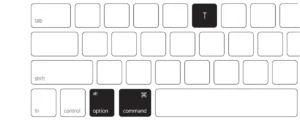 Use your keyboard to navigate through Webex or set up keyboard shortcuts to access various features.
 Webex supports the use of screen readers and is also committed to the continuous expansion of our compatibility with screen reader features.
.
.
.
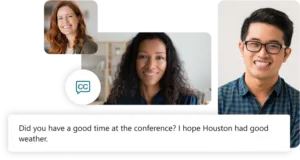 Easily follow along in a meeting with real-time closed captioning on screen.
 Choose high contrast settings so that it’s easier to view the text and icons in Webex.
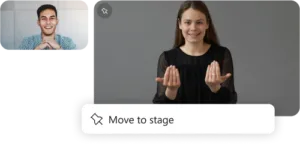 Assign interpreters (including sign language) to a meeting, and easily customize a view for deaf & hard-of-hearing users to ensure the interpreter video is always visible.
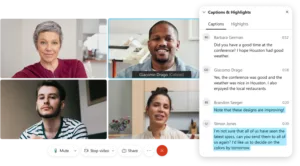 Get written transcriptions of your full meeting, complete with clearly labeled speakers, so you never miss a detail.
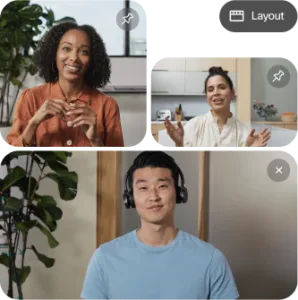 Choose your own view by customizing your video layouts to best suit your needs.

Express yourself in more ways during your meeting. Use on-screen emojis by simply gesturing with your hands.

Create inclusive meeting experiences that adapt to your needs with features like custom layouts, keyboard shortcuts for meeting navigation, real-time language translation, and more.

Customize your messaging experience by using one of our dark mode themes, or set up keyboard shortcuts to quickly navigate through the app.

Create a more accessible calling experience with features that enable you to search and call contacts with ease using predefined shortcuts, or answer and decline calls using hotkeys.
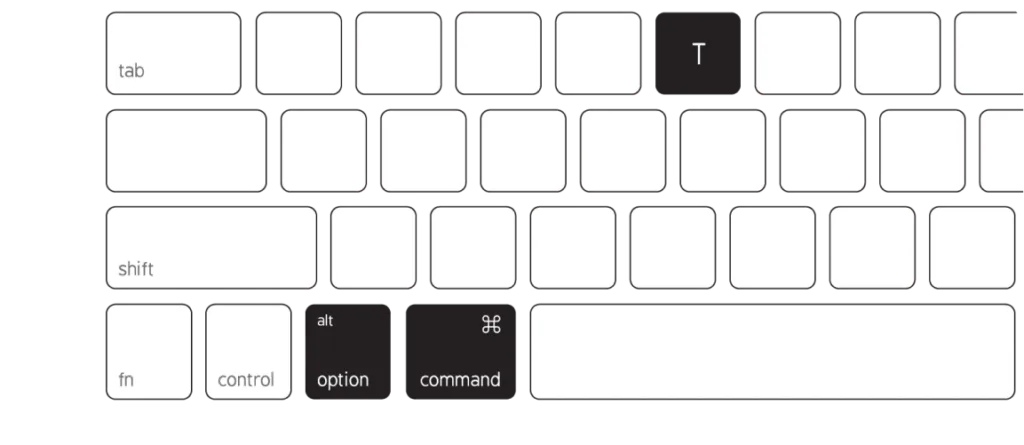 Use your keyboard to navigate through Webex or set up keyboard shortcuts to access various features.
Webex supports the use of screen readers and is also committed to the continuous expansion of our compatibility with screen reader features.
.
.
.
 Easily follow along in a meeting with real-time closed captioning on screen.
Choose high contrast settings so that it’s easier to view the text and icons in Webex.
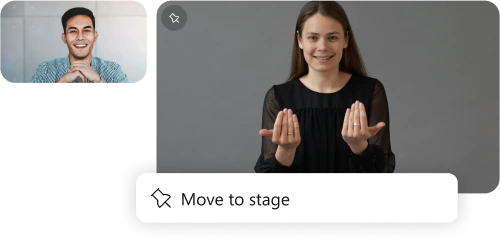 Assign interpreters (including sign language) to a meeting, and easily customize a view for deaf & hard-of-hearing users to ensure the interpreter video is always visible.
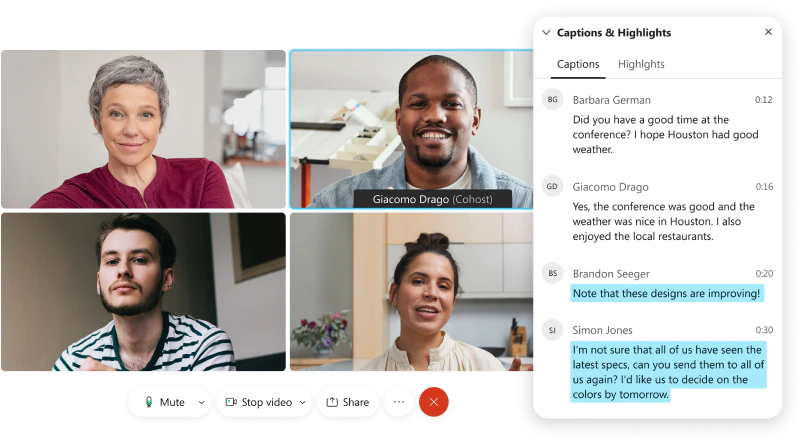 Get written transcriptions of your full meeting, complete with clearly labeled speakers, so you never miss a detail.
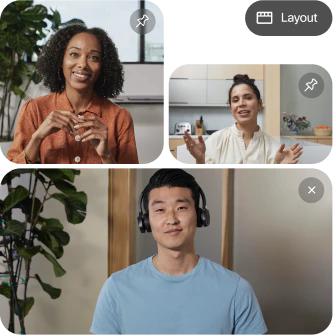 Choose your own view by customizing your video layouts to best suit your needs.
Express yourself in more ways during your meeting. Use on-screen emojis by simply gesturing with your hands.
Create inclusive meeting experiences that adapt to your needs with features like custom layouts, keyboard shortcuts for meeting navigation, real-time language translation, and more.
Customize your messaging experience by using one of our dark mode themes, or set up keyboard shortcuts to quickly navigate through the app.
Create a more accessible calling experience with features that enable you to search and call contacts with ease using predefined shortcuts, or answer and decline calls using hotkeys.